 CertMon
SECURITY & CERTIFICATES
Fix "PKIX path building failed: unable to find valid certification path to requested target" with a local CA on a Mac
Your browser opens https://api.myapp.test without complaint, curl is happy, but the Java service that calls it dies with javax.net.ssl.SSLHandshakeException: PKIX path building failed: sun.security.provider.certpath.SunCertPathBuilderException: unable to find valid certification path to requested target. The JVM never looked at your keychain. It has its own trust store, and your CA is not in it.
Why this happens
Every JDK install carries a trust store file, lib/security/cacerts (jre/lib/security/cacerts on Java 8), with the public roots and nothing else. Trusting a CA in Keychain Access changes macOS, not that file. And because the file belongs to the JDK, each JDK you have, whether from SDKMAN, Homebrew, Temurin's installer or IntelliJ's bundled runtime, has its own copy, and every JDK upgrade ships a fresh one without your CA. That is why this error comes back months after you fixed it.
Step 1: find the JDK that is actually running
Do not trust $JAVA_HOME. Ask the JVM:
java -XshowSettings:properties -version 2>&1 | grep java.homeApple's /usr/libexec/java_home -V only lists JDKs installed under /Library/Java/JavaVirtualMachines. On a Mac that uses SDKMAN or Homebrew it prints Unable to locate a Java Runtime even though java works, so the command above is the reliable one. For builds, check the tool rather than the shell: mvn -v prints Java home, ./gradlew --version prints the JVM running Gradle, and if the build uses toolchains, ./gradlew -q javaToolchains shows which JDK compiles and runs tests. IntelliJ runs your code with the project SDK, but the IDE itself (HTTP Client, plugins) uses its bundled runtime and has a separate list under Settings → Tools → Server Certificates.
Step 2: get the root CA as a file
You need the CA's public certificate in PEM or DER format, never its private key. With mkcert, mkcert -CAROOT prints the folder holding rootCA.pem. For any CA trusted in your login keychain:
security find-certificate -c "My Local CA" -p > ~/rootCA.pemIn CertMon, open the Trust & Devices tab and click Export CA Certificate (.crt). The file is PEM, so it works everywhere rootCA.pem appears below.
Step 3: import it into cacerts with keytool
On Java 9 and later, keytool has a -cacerts switch that targets the running JDK's own trust store, so you do not need its path. The default password is changeit.
keytool -importcert -cacerts -storepass changeit -noprompt \
  -alias local-dev-ca -file ~/rootCA.pem
keytool -list -cacerts -storepass changeit -alias local-dev-ca
The second command should print the alias with trustedCertEntry. Notes:
- sudo or not: JDKs under
/Library/Java/JavaVirtualMachinesare owned by root, so prefixsudo. SDKMAN (~/.sdkman/candidates/java/…) and Homebrew (/opt/homebrew/opt/openjdk…) JDKs are owned by you; on our Mac theircacertsfiles were plain user-writable files and the import needed no sudo. - Java 8: there is no
-cacerts. Use-keystore "$JAVA_HOME/jre/lib/security/cacerts"instead. - Repeat per JDK.
keytoolonly edits the JDK it belongs to. With SDKMAN you can do them all at once; thecurrentsymlink will report alias already exists, which is harmless:
for jh in "$HOME/.sdkman/candidates/java"/*/; do
  "$jh/bin/keytool" -importcert -cacerts -storepass changeit -noprompt \
    -alias local-dev-ca -file ~/rootCA.pem
done
To undo it: keytool -delete -cacerts -storepass changeit -alias local-dev-ca.
Step 4: restart what is holding the old trust store
A JVM loads cacerts once. Anything long-lived still has the old copy in memory:
./gradlew --stop        # Gradle daemon
mvnd --stop             # Maven daemon, if you use it
Also restart the application itself, Spring Boot DevTools restarts included, and IntelliJ if the failing call is made by the IDE. Then run the request again.
If you would rather not edit the JDK
Point one JVM at a trust store of your own. javax.net.ssl.trustStore replaces cacerts rather than adding to it, so copy the JDK's file first or the JVM will stop trusting every public site:
cp "$(java -XshowSettings:properties -version 2>&1 | awk '/java.home/ {print $3}')/lib/security/cacerts" ~/dev-cacerts
chmod u+w ~/dev-cacerts
keytool -importcert -noprompt -alias local-dev-ca -file ~/rootCA.pem \
  -keystore ~/dev-cacerts -storepass changeit
export JAVA_TOOL_OPTIONS="-Djavax.net.ssl.trustStore=$HOME/dev-cacerts -Djavax.net.ssl.trustStorePassword=changeit"
JAVA_TOOL_OPTIONS is read by every JVM that starts in that shell, including Gradle and Maven, and each one prints Picked up JAVA_TOOL_OPTIONS on stderr so you can see it applied. Passing the same two -D flags on one command line scopes it to a single run. The JDK's Apple provider also exposes the keychain as a KeychainStore type; which keychain entries it treats as trust anchors has changed across recent JDK releases, so test it on your JDK before relying on it instead of the import above.
What not to do: a custom TrustManager whose checkServerTrusted is empty, or a HostnameVerifier that returns true. It disables verification for every host the process talks to, and it has a habit of shipping.
Make sure it is the trust problem
Two neighbours look similar. No subject alternative DNS name matching api.myapp.test found means the CA is trusted but the certificate does not list that hostname in its Subject Alternative Names; reissue the certificate with the name, or connect using a name it has. unable to find valid certification path after an import that reported success usually means a second JDK or a daemon, so go back to steps 1 and 4. To see the handshake itself, run with -Djavax.net.debug=ssl:handshake and look for the certificate_unknown alert and the issuer names on the server's chain.
Where CertMon fits
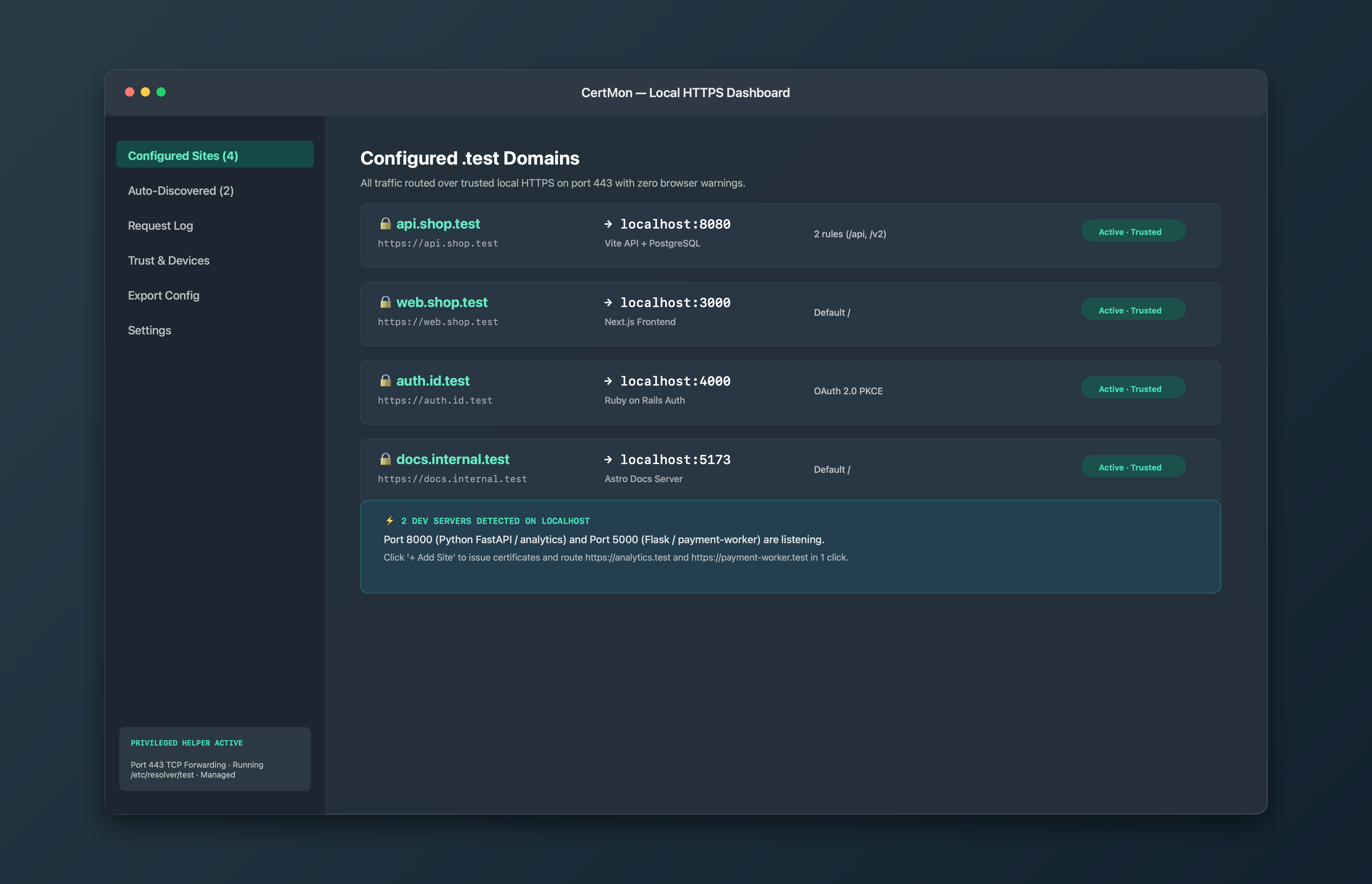
CertMon cannot change how the JVM picks its trust store, so the keytool step above still applies. What it takes care of is everything around it: creating the root CA with the private key kept in your login keychain, trusting it in macOS, resolving .test names through its DNS responder, and serving your services at https://api.myapp.test through its HTTPS reverse proxy. The root carries X.509 Name Constraints limiting it to .test and .localhost, and Java's PKIX validator enforces those, so a CertMon root sitting in cacerts cannot be used to vouch for a public hostname.
Related guides
- Fix "unable to verify the first certificate" in Node, curl and Python with a local CA on macOS
- How to make a Docker container trust your local development CA
- How to trust a self-signed certificate or local CA in Keychain on a Mac
- Fix Python "CERTIFICATE_VERIFY_FAILED: unable to get local issuer certificate" on Mac