CertMon
SECURITY & CERTIFICATES
Fix "unable to verify the first certificate" in Node, curl and Python with a local CA on macOS
Safari and Chrome show a padlock for https://myapp.test, but Node throws Error: unable to verify the first certificate (UNABLE_TO_VERIFY_LEAF_SIGNATURE, or SELF_SIGNED_CERT_IN_CHAIN), curl prints curl: (60) SSL certificate problem: unable to get local issuer certificate, and Python requests raises SSLError: CERTIFICATE_VERIFY_FAILED. These tools do not read the macOS keychain. Hand each one your root CA file.
Start in Terminal: get the root certificate as a file
You need the CA's public certificate in PEM format (the text file that starts with -----BEGIN CERTIFICATE-----). Never the CA's private key.
# mkcert: prints the folder that holds rootCA.pem
mkcert -CAROOT

# Any CA trusted in your login keychain, by its name
security find-certificate -c "My Local CA" -p > ~/rootCA.pem
In CertMon, open the Trust & Devices tab and click Export CA Certificate (.crt). The file it saves is PEM, so it works wherever rootCA.pem appears below.
The fix for each tool
# Node.js: adds your CA to Node's built-in list
NODE_EXTRA_CA_CERTS="$HOME/rootCA.pem" node app.js

# curl
curl --cacert ~/rootCA.pem https://myapp.test
export CURL_CA_BUNDLE="$HOME/rootCA.pem"

# Python: requests, then the ssl module, urllib and httpx
export REQUESTS_CA_BUNDLE="$HOME/rootCA.pem"
export SSL_CERT_FILE="$HOME/rootCA.pem"- Node:
NODE_EXTRA_CA_CERTSis read once, when the process starts. Setting it in a.envfile loaded by dotenv, or onprocess.env, is too late. Put it in your shell profile or in the npm script:"dev": "NODE_EXTRA_CA_CERTS=$HOME/rootCA.pem node app.js". Recent Node releases also acceptnode --use-system-ca, which reads the keychain; check withnode --help | grep system-ca. - Do not set
NODE_TLS_REJECT_UNAUTHORIZED=0,curl -korverify=Falseoutside a throwaway test. They turn off verification for every host the process talks to, not only yours. - curl and Python replace, Node adds.
--cacert,CURL_CA_BUNDLE,REQUESTS_CA_BUNDLEandSSL_CERT_FILEswap out the default bundle, so public sites then fail. If one process calls both, build a combined file:cat "$(python3 -m certifi)" ~/rootCA.pem > ~/dev-ca-bundle.pem.
Java: import the CA into a truststore
# Copy the JDK truststore, add your CA to the copy, point the JVM at it
cp "$JAVA_HOME/lib/security/cacerts" ~/dev-cacerts && chmod u+w ~/dev-cacerts
keytool -importcert -noprompt -alias local-dev-ca -file ~/rootCA.pem \
  -keystore ~/dev-cacerts -storepass changeit
java -Djavax.net.ssl.trustStore="$HOME/dev-cacerts" \
  -Djavax.net.ssl.trustStorePassword=changeit -jar app.jar
Docker containers
A container has its own trust store and never sees your keychain. On Debian, Ubuntu and Alpine images (with the ca-certificates package installed), the file name must end in .crt:
COPY rootCA.pem /usr/local/share/ca-certificates/local-dev-ca.crt
RUN update-ca-certificates
# Node inside the container still needs this
ENV NODE_EXTRA_CA_CERTS=/usr/local/share/ca-certificates/local-dev-ca.crt
Why the browser trusts it and your script does not
Trusting a CA in Keychain Access changes the macOS trust store. Safari and Chrome use it. Most developer runtimes do not:
- Node.js ships a copy of Mozilla's CA list compiled into the binary. Python requests uses the
certifipackage's bundle. Java uses the JDK'scacertsfile. - Homebrew's curl, OpenSSL and Python read a bundle file at
/opt/homebrew/etc/openssl@3/cert.pemon Apple silicon,/usr/local/etc/openssl@3/cert.pemon Intel. Runopenssl version -dto see the folder.
Apple's own /usr/bin/curl is the exception. It is built with LibreSSL and reads /etc/ssl/cert.pem, but it also falls back to the macOS trust evaluation: in our test on macOS 26 it still verified a public site when --cacert pointed at an unrelated CA. So a CA trusted in the keychain is normally accepted by /usr/bin/curl with no flags. If curl fails for you, run which -a curl and curl --version: a Homebrew or Anaconda curl earlier in your PATH is built with OpenSSL and ignores the keychain.
The easier way with CertMon
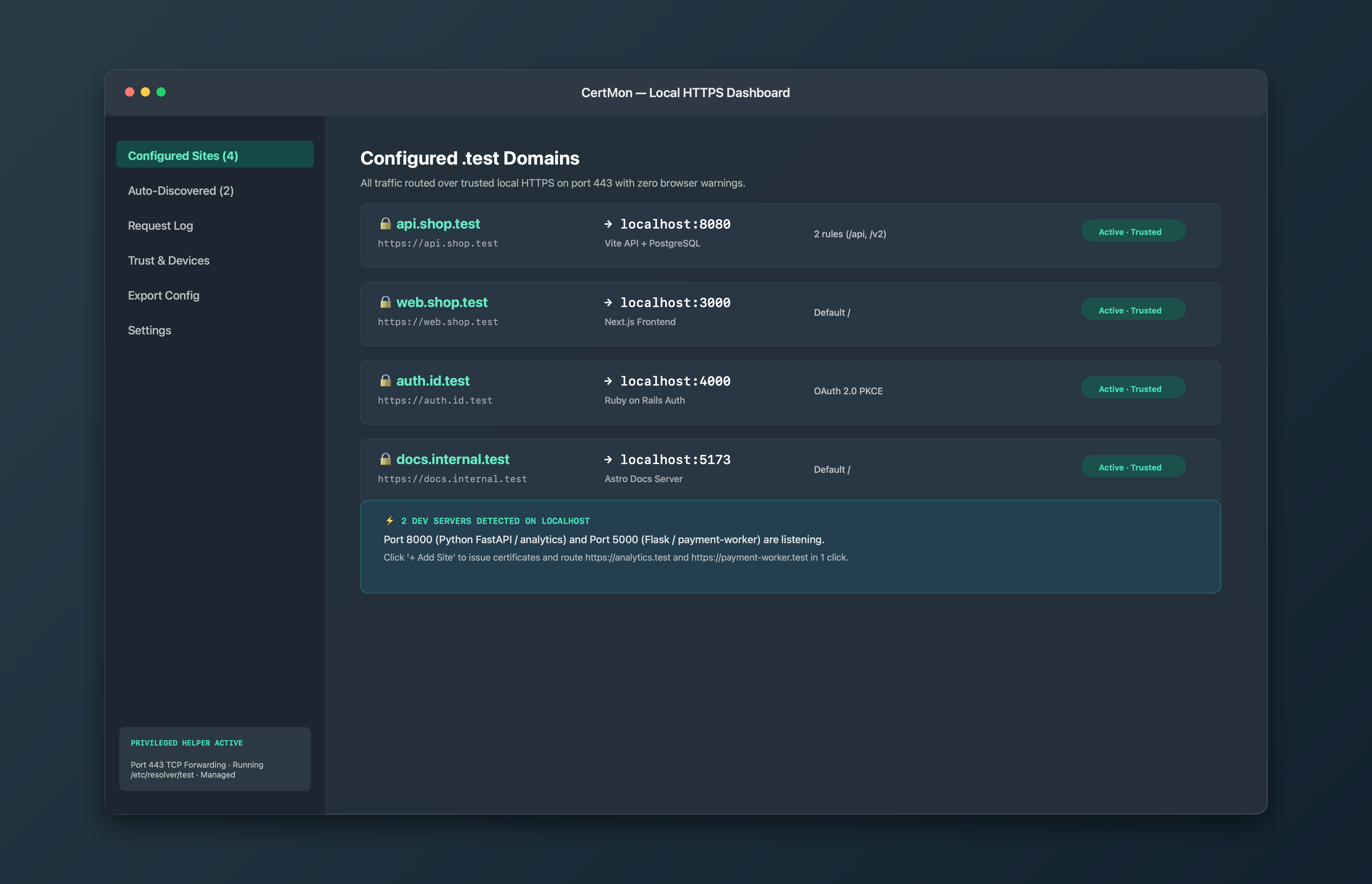
CertMon does not change how Node or Python pick their CA list, so the variables above still apply. What it takes off your hands is the rest: it creates the root certificate, trusts it in your login keychain, limits it with X.509 Name Constraints to .test and .localhost names, and serves your dev servers at https://name.test through its DNS responder and HTTPS reverse proxy. The constraint limits what the root could be misused for in any client that enforces Name Constraints, which matters once you start copying it into NODE_EXTRA_CA_CERTS and container images.