CertMon
SECURITY & CERTIFICATES
Fix "SEC_ERROR_UNKNOWN_ISSUER" in Firefox when Safari and Chrome already trust your local certificate on a Mac
You trusted your local CA in Keychain Access. Safari and Chrome open https://myapp.test with a padlock. Firefox shows Warning: Potential Security Risk Ahead, and under Advanced the code is Error code: SEC_ERROR_UNKNOWN_ISSUER or MOZILLA_PKIX_ERROR_SELF_SIGNED_CERT. Firefox does not use the macOS trust store the way Safari and Chrome do.
Why Firefox is the odd one out
Firefox ships its own certificate library (NSS) and its own root list, stored per profile in cert9.db. A root you trust in Keychain Access is invisible to it, with one exception: since Firefox 120 (November 2023) it imports roots that you or an administrator added to the operating system store, as long as the setting Allow Firefox to automatically trust third-party root certificates you install is on. Firefox reads those roots when it starts, only from the login and System keychains, and only when the root is set to Always Trust (or Always Trust for SSL). Apple's own built-in roots are skipped.
So you get SEC_ERROR_UNKNOWN_ISSUER when one of these is true:
- Firefox was already running when you trusted the CA. It has not re-read the keychain.
- The setting is off: an enterprise policy, an old profile, or you turned it off. Firefox ESR 115 and earlier never had it on by default.
- The CA is in the keychain but its trust is Use System Defaults, or only a non-SSL policy is set to Always Trust. See How to trust a self-signed certificate or local CA in Keychain on a Mac for the difference between importing and trusting.
- You are in a different profile (Firefox Developer Edition and Nightly use their own) that still has the setting off.
MOZILLA_PKIX_ERROR_SELF_SIGNED_CERT is a different problem: the server is sending a self-signed leaf certificate, not one issued by a CA. No CA import fixes that. Either issue the certificate from a local CA (mkcert or CertMon both do this), or accept it with Advanced → Accept the Risk and Continue, which adds a per-host exception only. SSL_ERROR_BAD_CERT_DOMAIN means the CA is fine but the certificate does not list the hostname in its Subject Alternative Names.
Step 1: quit Firefox and check the setting
Press ⌘Q rather than closing the window; Firefox only picks up new OS roots at launch. Reopen it, type about:config in the address bar and search for:
security.enterprise_roots.enabledIt must be true. The same switch is the checkbox under Settings → Privacy & Security → Certificates. If it says the setting is controlled by your organisation, the policy in step 4 is what you need.
Then confirm the CA really is trusted for SSL in macOS. These commands only print trust settings, for your account and for the System keychain:
security dump-trust-settings
security dump-trust-settings -d
Your CA should appear with a result of kSecTrustSettingsResultTrustRoot. If it is not listed, the certificate was imported but never trusted, and that is what to fix first.
Step 2: import the CA in Firefox's Certificate Manager
This works on every Firefox version, including ESR and Developer Edition, and does not depend on the setting above. You need the CA's public certificate as a PEM or DER file, never its private key. With mkcert, mkcert -CAROOT prints the folder holding rootCA.pem. For any CA trusted in your login keychain:
security find-certificate -c "My Local CA" -p > ~/rootCA.pemIn CertMon, the file comes from the Trust & Devices tab, Export CA Certificate (.crt).
Then in Firefox: Settings → Privacy & Security → Certificates → View Certificates… → Authorities → Import…, choose the file, and tick Trust this CA to identify websites. Reload the tab. No restart is needed. To remove it later, find it under Authorities and click Delete or Distrust….
Step 3: script it with certutil
If you reset profiles often or set up several Macs, use NSS's own tool. Homebrew's nss formula installs it as /opt/homebrew/bin/certutil (this is not the certutil that ships with Windows). Quit Firefox first, then:
brew install nss
ls "$HOME/Library/Application Support/Firefox/Profiles/"
certutil -d "sql:$HOME/Library/Application Support/Firefox/Profiles/abcd1234.default-release" \
  -A -t "C,," -n "My Local CA" -i ~/rootCA.pem
-A adds a certificate, -n is the nickname you will see in Certificate Manager, and -t "C,," marks it as a trusted CA for SSL only (the other two positions are S/MIME and code signing). The sql: prefix selects the modern cert9.db format. To cover every profile at once:
for p in "$HOME/Library/Application Support/Firefox/Profiles"/*/; do
  certutil -d "sql:$p" -A -t "C,," -n "My Local CA" -i ~/rootCA.pem
done
certutil -d "sql:$p" -L
The last line lists what the profile now trusts. This is what mkcert -install does for Firefox, hence its brew install nss note.
Step 4: for a whole team, use an enterprise policy
Firefox reads policies.json from the distribution folder inside the app bundle: /Applications/Firefox.app/Contents/Resources/distribution/policies.json. Two keys matter here. ImportEnterpriseRoots forces the OS-root import on and removes the checkbox from Settings; Install adds certificate files directly to the Firefox store. A bare filename is looked up in /Library/Application Support/Mozilla/Certificates and ~/Library/Application Support/Mozilla/Certificates; an absolute path works too.
{
  "policies": {
    "Certificates": {
      "ImportEnterpriseRoots": true,
      "Install": ["rootCA.pem"]
    }
  }
}
Check about:policies after restarting Firefox to see that it loaded. On managed Macs the same policies can be delivered by MDM as a configuration profile, which survives Firefox updates replacing the app bundle.
Where CertMon fits
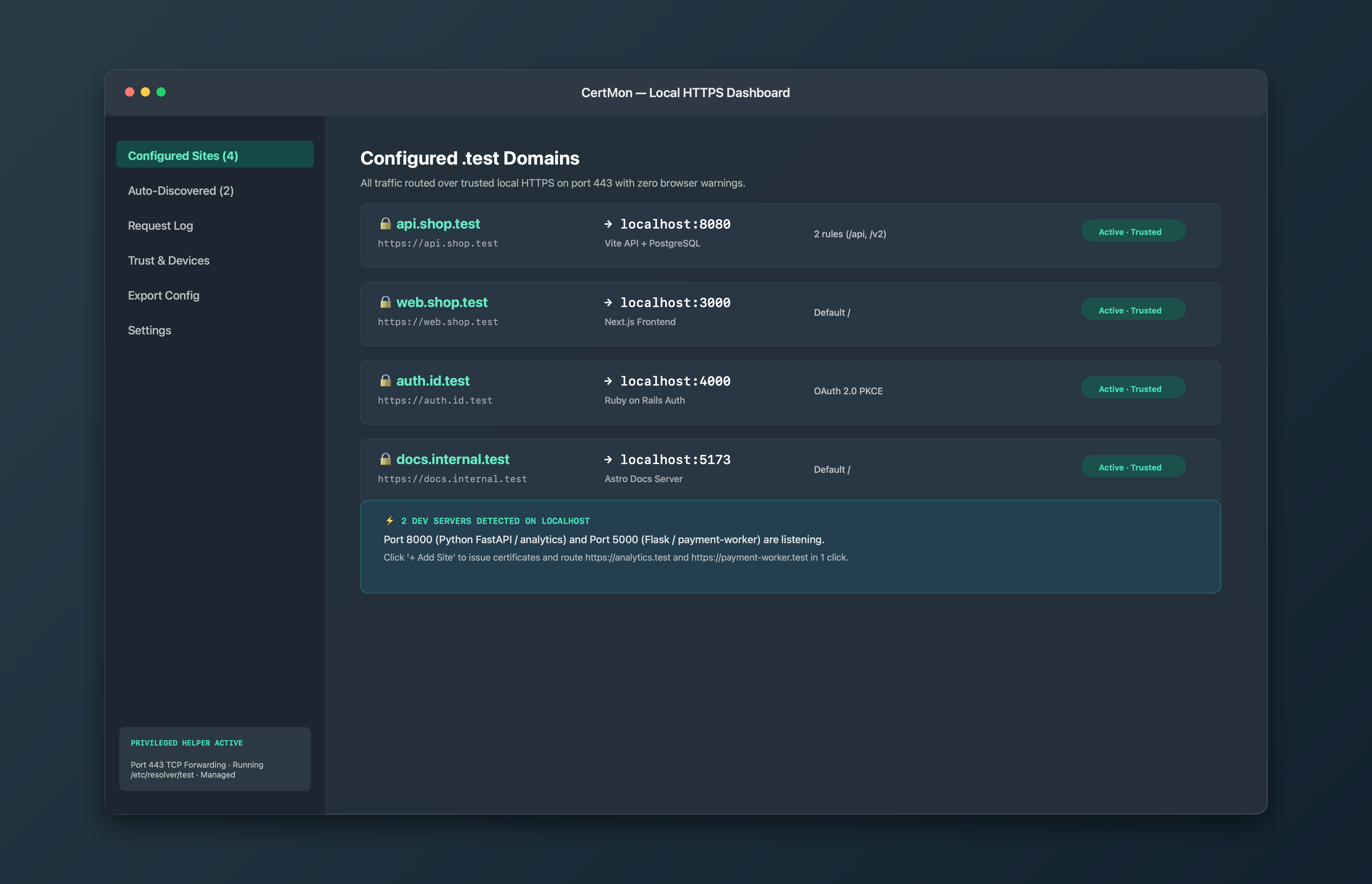
CertMon trusts its root, named CertMon Local Development Root CA, in your login keychain with Always Trust, which is the trust setting Firefox 120 and later import at launch. So on a current Firefox the usual fix is step 1: quit and reopen Firefox after CertMon's first run. For an older Firefox or ESR, export the root from the Trust & Devices tab and use step 2 or 3. The root carries X.509 Name Constraints limiting it to .test and .localhost names, and Firefox enforces those, so importing it into Firefox's store does not let it vouch for any public site.