CertMon
SECURITY & CERTIFICATES
How to enable trusted HTTPS on localhost in Safari and Chrome on macOS
Getting "Your connection is not private" or NET::ERR_CERT_AUTHORITY_INVALID on localhost? Here is how to create a trusted local certificate authority using the command line.
Start in Terminal
Browsers reject self-signed leaf certificates unless they are signed by a Certificate Authority installed in the macOS Keychain with explicit trust settings. Run these commands:
1. Generate a local CA key and certificate:
openssl req -x509 -nodes -new -sha256 -days 3650 -newkey rsa:2048 \
  -keyout rootCA.key -out rootCA.pem \
  -subj "/CN=My Local Dev CA" \
  -addext "basicConstraints=critical,CA:TRUE" \
  -addext "subjectKeyIdentifier=hash" \
  -addext "keyUsage=critical,keyCertSign,cRLSign"
2. Add the CA to your macOS login keychain and trust it for SSL:
security add-trusted-cert -r trustRoot -p ssl \
  -k ~/Library/Keychains/login.keychain-db rootCA.pem
3. Create a config with Subject Alternative Names (SANs):
cat <<EOF > server.ext
authorityKeyIdentifier=keyid,issuer
basicConstraints=CA:FALSE
keyUsage = digitalSignature, keyEncipherment
extendedKeyUsage = serverAuth
subjectAltName = @alt_names
[alt_names]
DNS.1 = localhost
IP.1 = 127.0.0.1
EOF
4. Generate a leaf certificate signed by your local CA:
openssl req -new -nodes -newkey rsa:2048 \
  -keyout server.key -out server.csr \
  -subj "/CN=localhost"
openssl x509 -req -sha256 -days 365 -in server.csr \
  -CA rootCA.pem -CAkey rootCA.key -CAcreateserial \
  -out server.crt -extfile server.ext
Why it happens
Modern browsers—especially Safari and Chrome—ignore the certificate's Common Name (CN) and require a valid subjectAltName (SAN) extension. Furthermore, browsers require the issuing CA to have basicConstraints=CA:TRUE and be explicitly marked as trusted in the user or system trust store. The -addext lines in step 1 set that explicitly, because the LibreSSL openssl that ships with macOS otherwise makes a bare certificate with no extensions. macOS's own verifier, which Safari uses, also rejects a leaf certificate without extendedKeyUsage = serverAuth, so the config in step 3 includes it.
A wildcard such as *.localhost is not accepted by macOS's verifier, so list each name you use (DNS.2 = app.localhost, and so on) as its own line in step 3. For more on the trust step, see how to trust a certificate in Keychain.
If you only generate a self-signed leaf certificate without a separate CA, you must manually mark every individual leaf certificate as trusted in Keychain Access every time it expires or changes.
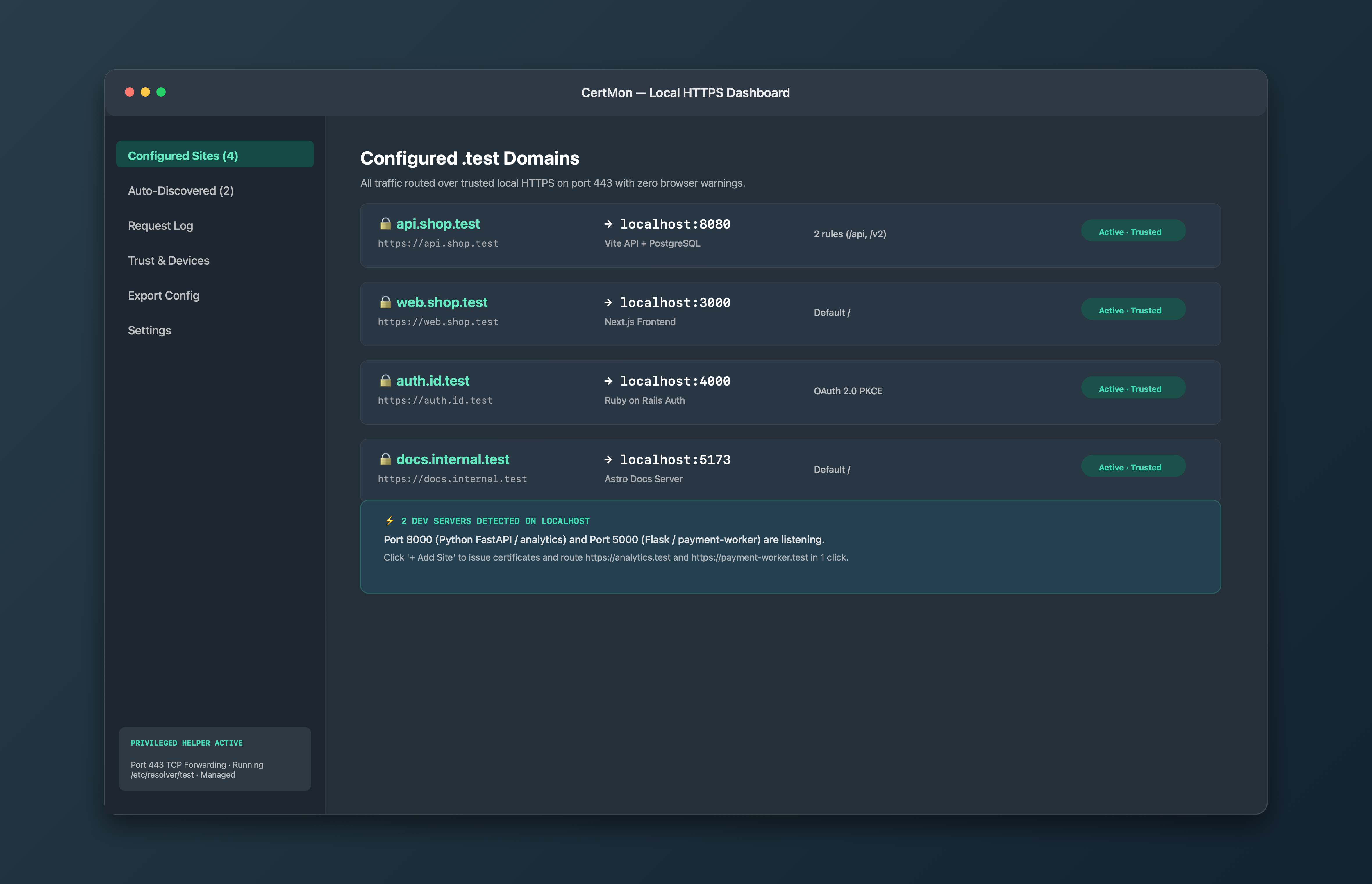
The easier way with CertMon
CertMon automates this entire process inside macOS without OpenSSL commands. It creates a local CA in your Keychain, issues SAN certificates for any .test domain in milliseconds, and routes traffic on port 443 with zero configuration.