CertMon
SECURITY & CERTIFICATES
Fix NET::ERR_CERT_AUTHORITY_INVALID on localhost in Chrome on Mac
Chrome shows "Your connection is not private" and NET::ERR_CERT_AUTHORITY_INVALID for https://localhost or https://myapp.test. The code means one thing: Chrome could not link the certificate your server sent to a root certificate your Mac trusts. The certificate itself may be fine. Find out what the server is sending and who signed it, then trust that signer.
Start in Terminal: see what the server sends
Who is the certificate for, and who signed it?
openssl s_client -connect localhost:443 -servername myapp.test </dev/null 2>/dev/null \
  | openssl x509 -noout -subject -issuer -dates
Does macOS trust it? Chrome reads the same trust settings.
security verify-cert https://myapp.testWhere is the issuer, and is there more than one copy?
security find-certificate -a -c "My Local Dev CA" -Z | grep -E 'SHA-256|keychain:'Which certificates have you marked as trusted? The first command lists your account, the second all users.
security dump-trust-settings
security dump-trust-settings -d
verify-cert prints ...certificate verification successful. when macOS trusts the certificate for that name, and CSSMERR_TP_NOT_TRUSTED when no trusted root signed it. If the subject and issuer in the first command are the same, the certificate is self-signed.
The causes, and the fix for each
- A self-signed certificate nothing trusts. Dev servers that make their own certificate, such as
@vitejs/plugin-basic-sslor webpack-dev-server withserver: 'https'and no certificate files, produce exactly this. You can trust that one certificate in Keychain Access, but you have to do it again every time the server regenerates it. The lasting fix is a local CA you trust once, with a certificate from it for each name. - The CA is in your keychain but not trusted. Importing a certificate, by double-clicking the
.crt, dragging it into Keychain Access or runningsecurity add-certificates, only stores it. Trust is a separate setting. In Keychain Access an untrusted root is marked with a red icon and a note that it is not trusted. Set it to Always Trust for SSL, or runsecurity add-trusted-cert -r trustRoot -p ssl -k ~/Library/Keychains/login.keychain-db rootCA.pem. Step by step: How to trust a self-signed certificate or local CA in Keychain on a Mac. - Trusted, but the wrong certificate. You trusted a leaf certificate and the server has since made a new one. Or you have two CAs with the same name, for example from running
mkcert -installagain with a differentCAROOT, and the trusted one is not the one that signed the server's certificate: compare the SHA-256 hashes fromfind-certificate. Or the certificate files came from a teammate or the repository, signed by a CA that only exists on their Mac. - Trusted for the wrong account.
sudo security add-trusted-certwithout-dsets trust for the root user, not for you. Run the per-user form withoutsudo, or usesudo ... -dwith the System keychain to trust it for every account. - Chrome is not reading the Mac's trust store. Open
chrome://certificate-manager, go to Local certificates, and check that "Use imported local certificates from your operating system" is on. On a managed Mac, a policy can switch it off.
After fixing trust, reload the page. If Chrome still shows the old error, quit it with Command-Q and open it again.
When the error code is different
Once the issuer is trusted, Chrome checks the name and dates, and those failures have their own codes:
NET::ERR_CERT_COMMON_NAME_INVALID: the name you typed is not in the certificate's Subject Alternative Name (SAN) list. Chrome ignores the Common Name entirely, so a certificate withCN=localhostand no SAN fails.localhost,127.0.0.1andmyapp.testare three separate entries. Check withopenssl x509 -in server.crt -noout -text | grep -A1 "Subject Alternative Name"and reissue withsubjectAltName = DNS:myapp.test, DNS:localhost, IP:127.0.0.1.NET::ERR_CERT_DATE_INVALID: the certificate has expired, or is not valid yet.- Works in Chrome, fails in Safari: macOS's own verifier also wants the
serverAuthextended key usage and a leaf certificate valid for no more than 825 days. In our test on macOS 26,security verify-certrejected leaf certificates missing either, even from a trusted CA.
Clicking Advanced and then Proceed gets you the page, not a working site: service workers will not register on it, and requests to your API on another name fail until you accept that one too.
The easier way with CertMon
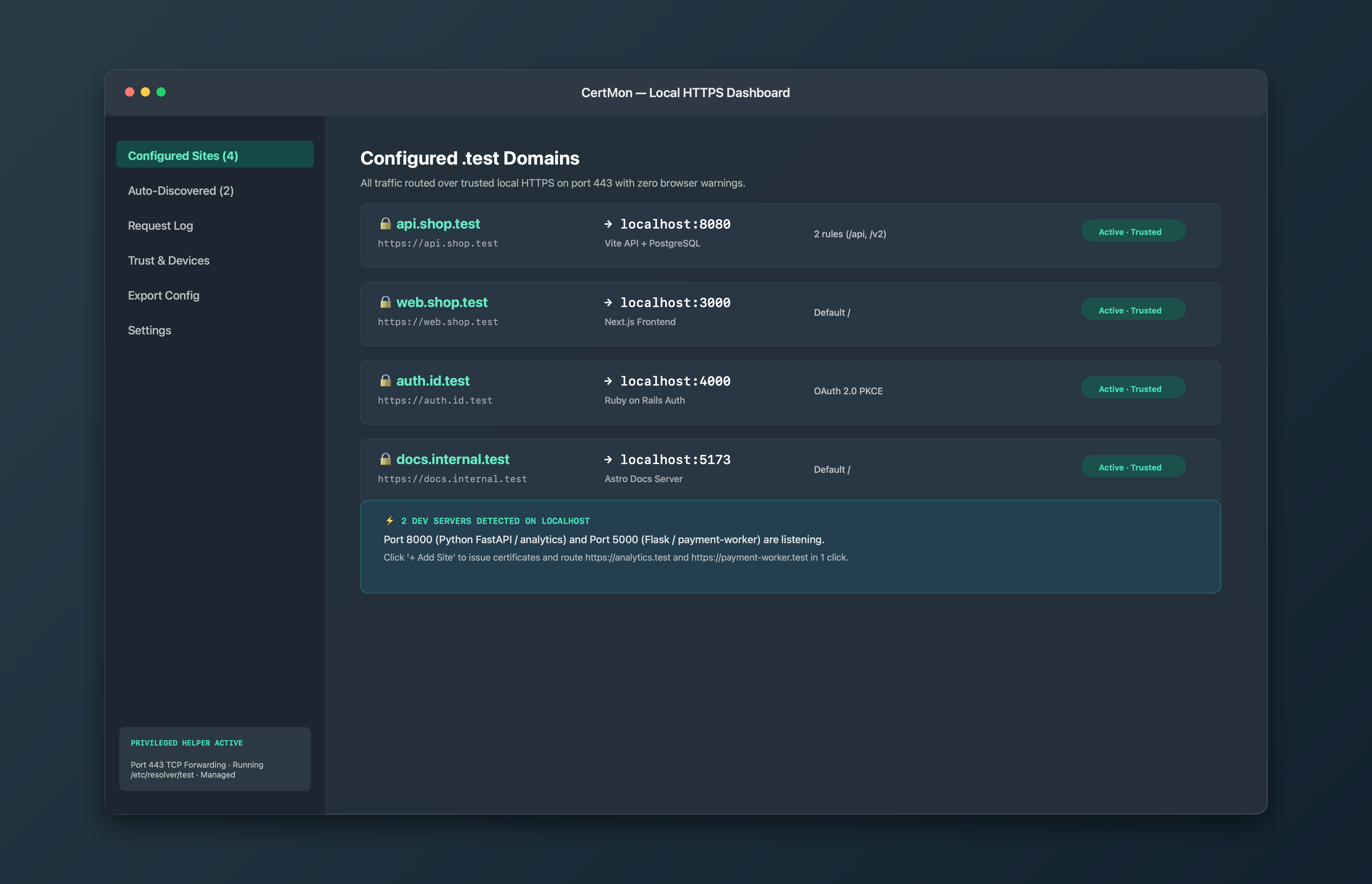
CertMon creates one local root CA, trusts it for SSL in your login keychain, and signs a certificate with the right Subject Alternative Name for every .test site it serves on port 443. Nothing is self-signed, and there is no leaf to re-trust when a certificate is renewed. The Trust & Devices tab shows whether the root is trusted, with a Repair Trust button if it is not, for example after a macOS update or a keychain reset. The root is limited by X.509 Name Constraints to .test and .localhost names, so trusting it never extends to a real website.