CertMon
NETWORKING & DNS
Fix ERR_SSL_PROTOCOL_ERROR on localhost: "This site can't provide a secure connection" on a Mac
You open https://localhost:3000 and Chrome says This site can't provide a secure connection. localhost sent an invalid response. with ERR_SSL_PROTOCOL_ERROR. In almost every local case nothing is wrong with a certificate. The browser is speaking HTTPS to a port that only speaks plain HTTP.
What the error actually means
An https:// URL makes the browser open the connection with a TLS handshake. Most dev servers start without HTTPS by default. One that does reads those handshake bytes as a broken HTTP request; Python's and Node.js's built-in servers answer with a plain-text 400 Bad Request. That reply is not TLS, so Chrome gives up with ERR_SSL_PROTOCOL_ERROR before any certificate is looked at.
We reproduced it on a Mac with Chrome 156 against both python3 -m http.server and a bare Node.js http.createServer: the same page, word for word, both times. The dev server's own log usually gives it away too. Python's server logs code 400, message Bad request version followed by unreadable bytes starting \x16\x03\x01, which is the start of a TLS handshake.
Step 1: confirm it from Terminal
Ask the same port both ways (swap in your port):
curl -sS -o /dev/null -w '%{http_code}\n' http://localhost:3000/
curl -sS https://localhost:3000/
If the first prints a status code and the second fails, the port speaks HTTP only. The failure reads differently depending on which curl you have:
- macOS's
/usr/bin/curl(built with LibreSSL):curl: (35) LibreSSL/3.3.6: error:1404B42E:SSL routines:ST_CONNECT:tlsv1 alert protocol version. Despite the wording, this is not about TLS versions. - OpenSSL-based tools such as Homebrew's curl or
openssl s_client -connect 127.0.0.1:3000:error:0A00010B:SSL routines::wrong version number. Same cause.
Exit code 35 is curl's CURLE_SSL_CONNECT_ERROR, "a problem occurred somewhere in the SSL/TLS handshake" (curl error codes). Both messages above are from this Mac, with curl 8.7.1 and OpenSSL 4.0.
Not sure which process owns the port? lsof -nP -iTCP:3000 -sTCP:LISTEN prints its name and PID.
Step 2: find out where the https:// came from
The fix depends on who asked for HTTPS:
- You, or the address bar. A bookmark, a link in a README, or an address bar suggestion from an earlier
https://visit. Type the fullhttp://localhost:3000URL by hand. - Your app redirects to HTTPS. Rails'
config.force_ssl"forces all requests to be served over HTTPS" (Rails configuration guide), and Django'sSECURE_SSL_REDIRECT = True"redirects all non-HTTPS requests to HTTPS" (Django settings). Both are meant for production. If a production settings file is loaded locally, everyhttp://request bounces tohttps://and lands on this error. Check withcurl -sI http://localhost:3000/: a301or302withLocation: https://…is your app doing it. - A config value. Environment variables such as an app URL, an OAuth callback or a CORS origin that say
https://localhostmake the app generate HTTPS links to a server that has none. - Remembered HSTS, but only for names other than localhost. If a site once sent a
Strict-Transport-Securityheader over HTTPS, Chrome upgrades every laterhttp://request for that name. See the next section.
HSTS: when clearing it helps, and when it does not
Chrome lists remembered HSTS entries at chrome://net-internals/#hsts. Enter the name under Query HSTS domain to see whether there is one, and under Delete domain security policies to remove it. The page notes that preloaded entries cannot be deleted, which is why .dev names stay HTTPS-only (why .dev does not work locally).
Clearing HSTS is common advice for this error, so we tested it in Chrome 156 on a throwaway profile. We added an HSTS entry for each name, then loaded http:// on a plain-HTTP server:
localtest.me, a public name that resolves to this Mac: Chrome upgraded it tohttps://and showedERR_SSL_PROTOCOL_ERROR. Deleting the entry fixed it.localhostandapp.localhost: Chrome kept the entry but loaded plainhttp://anyway.
So if the error is on localhost itself, HSTS is very unlikely to be the cause in current Chrome; look at the URL and the app's redirects instead. If it is on a name like myapp.test or lvh.me, delete the entry, then find what sent the header (often a production-style middleware such as Django's SECURE_HSTS_SECONDS or Rails' force_ssl) or it will come straight back. IP addresses are exempt by definition: a browser must not record HSTS for a bare IP (RFC 6797 §8.1.1).
The reverse mistake: http:// to an HTTPS port
If the dev server was started with HTTPS (for example next dev --experimental-https, which serves https://localhost:3000 per the Next.js CLI docs) and you open http://localhost:3000, you get a different error. In our tests with a Node.js https server Chrome showed localhost didn't send any data with ERR_EMPTY_RESPONSE, and curl printed curl: (52) Empty reply from server. The fix is the opposite one: use https://.
Step 3: pick a fix
- You don't need HTTPS locally: use
http://localhost:PORT, switch off the production-only redirect in your development settings, and correct anyhttps://localhostURLs in.envfiles. - You do need HTTPS (OAuth providers,
Securecookies, service workers on a custom name, WebAuthn): either turn on HTTPS in the dev server itself with a trusted certificate (see the Vite and Next.js guides), or leave the dev server on plain HTTP and put an HTTPS reverse proxy in front of it. The proxy approach means one certificate setup for every project, and each dev server keeps its default config.
Where CertMon fits
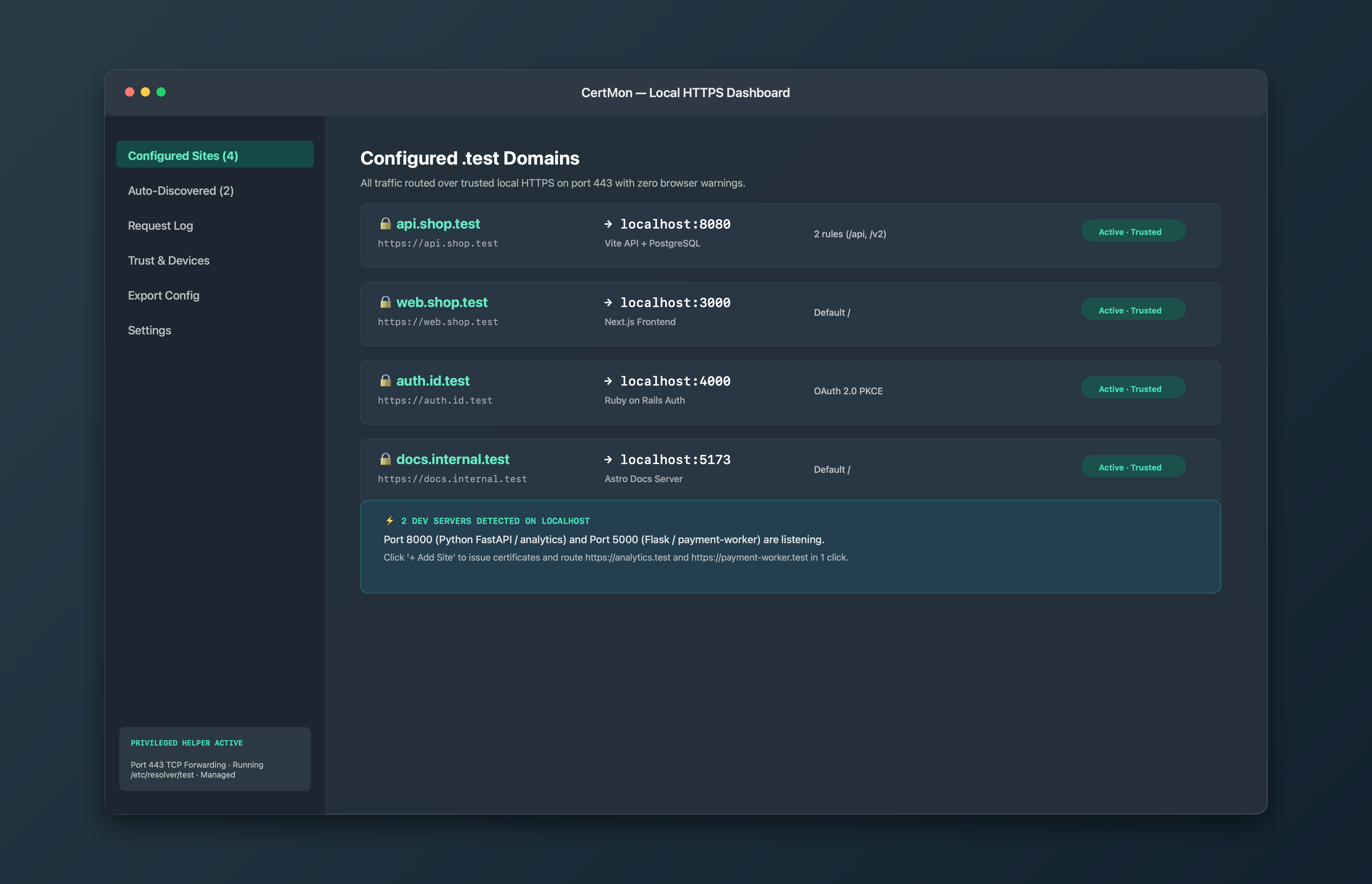
CertMon is that reverse proxy, built for this setup on a Mac. You add a site such as myapp.test pointing at localhost:3000. CertMon answers https://myapp.test with a certificate signed by its own root CA, which it trusts in your login keychain, and forwards each request to your dev server over plain HTTP. Your server never has to speak TLS, so it cannot produce this error. With CertMon's privileged helper installed, port 443 is forwarded to the proxy, so the URL needs no port number; without the helper, use the proxy's own port, 8443 by default.
Two details worth knowing:
- Point CertMon at a plain-HTTP port. CertMon connects to the upstream port without TLS, so if the dev server has its own HTTPS switched on, turn that off. Otherwise you have recreated the reverse mistake above, one hop further in.
- Leave the app's own HTTPS redirect off in development. CertMon passes the request through as it is and does not add an
X-Forwarded-Protoheader, so an app that redirects every plain-HTTP request will keep redirecting. Django's documentation describes the same infinite-redirect symptom forSECURE_SSL_REDIRECTbehind a proxy.
If the dev server is not running, CertMon shows its own 502 Bad Gateway page naming the port it tried, rather than a browser TLS error. The Request Log tab lists each request with its status code and the port it went to.